Follow your curiosity.
Browse movies and series, search by title, and narrow things down with filters.
Your next favourite. Your ever-growing watchlist.
A little escape, on your phone or your PC.
 Movie Vault
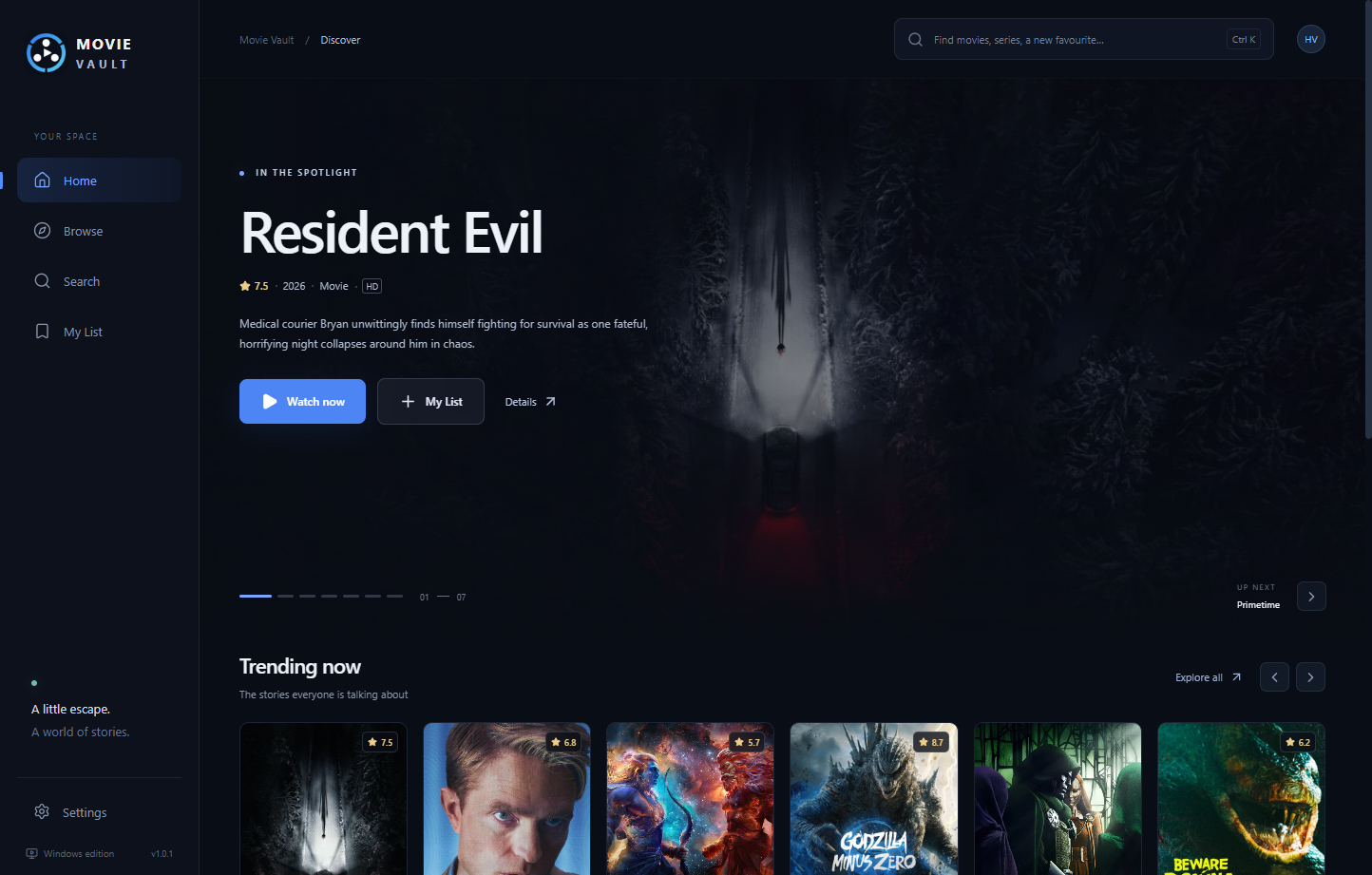
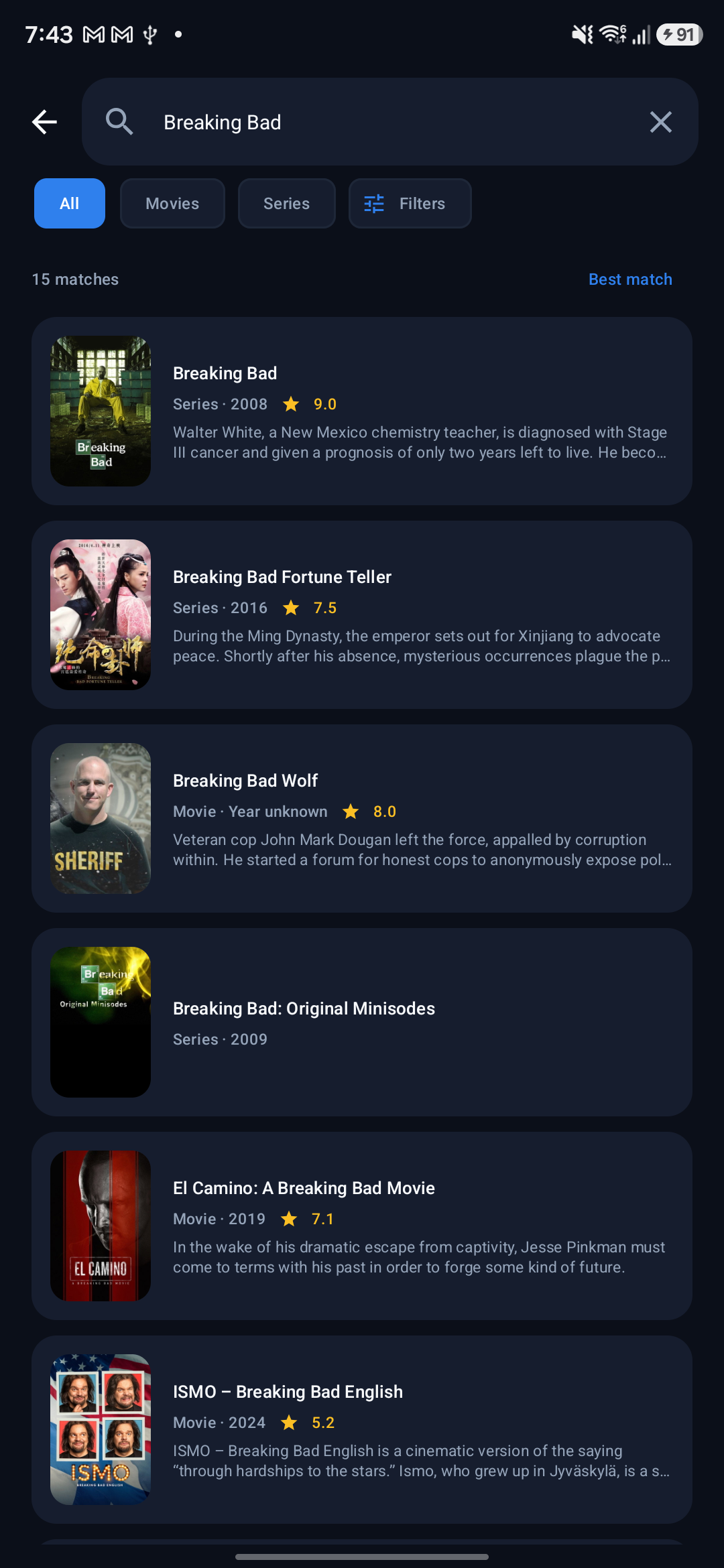
Same identity. Room to make it yours.
A thoughtful home for the things you want to watch.
Explore a title, keep it close, and come back to it.
Browse movies and series, search by title, and narrow things down with filters.
Organise My List into Want to watch, Watching, and Finished. Your next movie night, saved.
Resume saved playback and find your way through seasons and episodes.
Meet the cast, explore related titles, and build a collection worth coming back to. The Windows app makes the most of your screen.
Make room for Movie Vault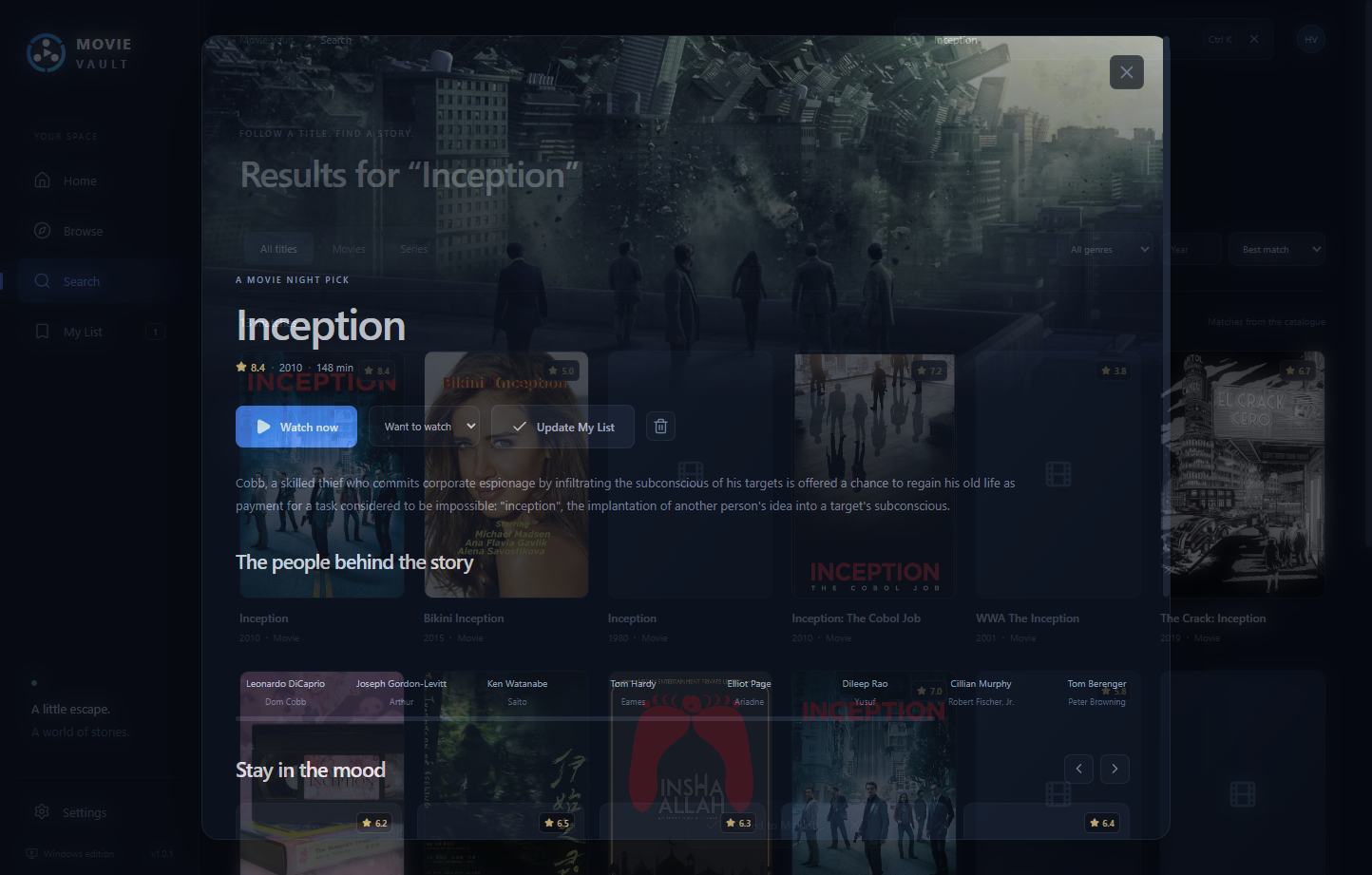
Direct downloads. No subscription.
Pick the version that feels at home.
Immersive artwork, a wider catalogue, Collections, and a dedicated player window.
Discover your next favourite, keep your watchlist close, and pick up a story on the go.
Updated 4 November 2026 • Screen previews may differ slightly between versions.
Install the app, open your vault,
and find something worth watching.
Save Movie-Vault-Setup-1.0.1.exe to your PC.
Follow the setup steps. The installer can add a desktop shortcut.
Launch Movie Vault and start exploring.
This hobby build is unsigned, so Windows may display an unrecognised-app notice. Check the file and source before deciding to install.
Save Movie-Vault-Android-1.0.apk to your phone.
Android may ask you to allow app installs from your browser or file manager.
Your library and playback history are stored on your device.
The Android preview is a direct download. It isn’t listed on Google Play.
Made as a hobby. Refined one detail at a time.
Yes. These Android and Windows builds are free to download. Movie Vault is an independent hobby project.
No. The apps store your watchlist and playback history locally on your device.
Automatic syncing isn’t included. The Windows app can import Movie Vault watchlist and history backup files, and export desktop backups from Settings.
Playback depends on the third-party source and your connection. A title appearing in the catalogue does not guarantee an available video. Movie Vault retries supported failures and explains when a source is unavailable.
Check this page for a newer release and install it over the matching existing app. Export or keep a backup of your saved data first. Automatic updates aren’t included in these builds.
The SHA-256 checksums let you compare a downloaded file with the exact release hosted here. A matching hash confirms file integrity; it is not a security certification.
Movie Vault is an independent project by Hans. There’s no subscription to unlock. An optional support page is being set up; the apps remain free to download.